Your engine computer, on any Android screen
DashForge is a dashboard, datalogger and tuning companion for MS3/MS2/MS1, MicroSquirt and Speeduino engine computers. Use it on a phone, a tablet or the screen in your car.
For older devices, or ones without access to Google Play: download the APK.
What it does
Dashboards you design
Gauges, warnings and units arranged the way you want them. Build layouts in the browser with Dash Designer and load them in the car.
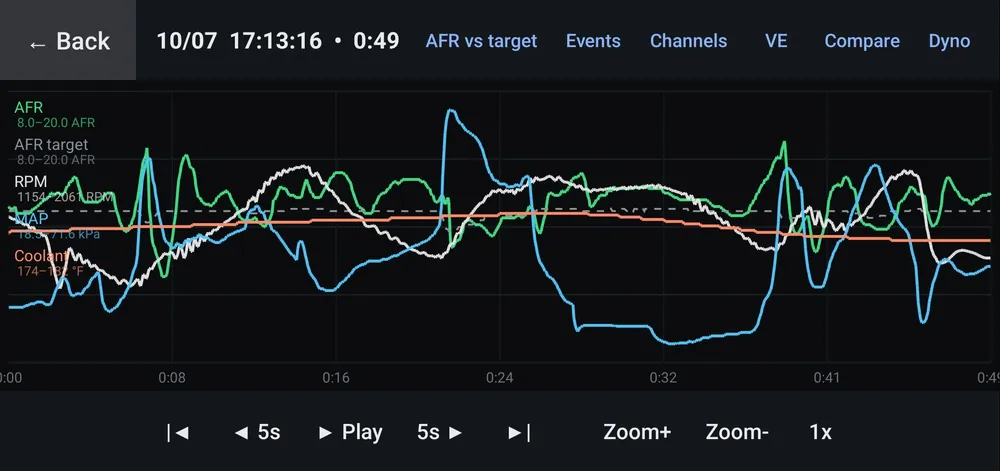
Datalogging on the device
Datalogs, captured starts and dyno runs are saved on your device, and aren't uploaded anywhere unless you choose to sync.
Works with your tune
Connects to the ECU over USB or Bluetooth and works from your own INI and MSQ files. Saved tunes stay on your device.
Tuning tools
Edit and burn your settings, curves and tables, and calibrate the TPS, with DashForge Plus. DashForge Pro adds quick-tune, output tests, VE auto-tune and a virtual dyno.
Navigation and HUD
Maps, search and routing, with an optional second phone as a head-up display over your car's local Wi-Fi.
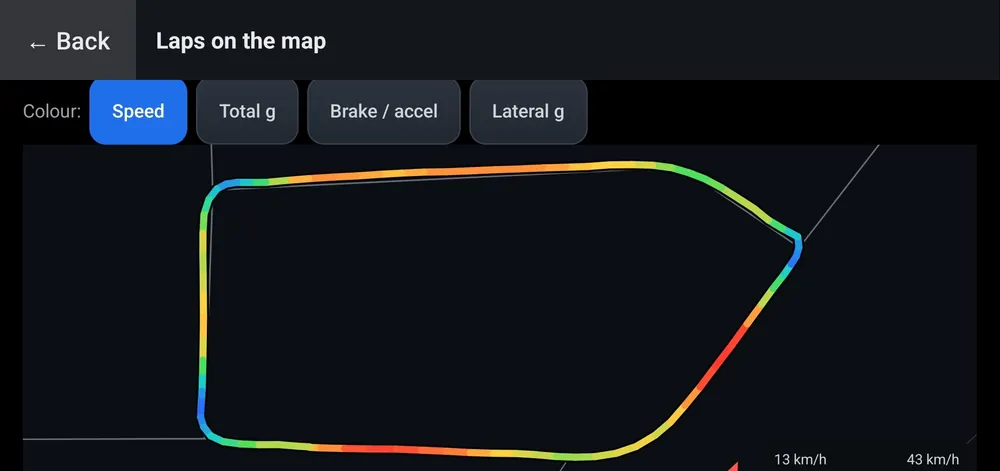
Lap timer
Find tracks near you, time laps and sectors, and keep your best laps.
Logs and laps
See it running
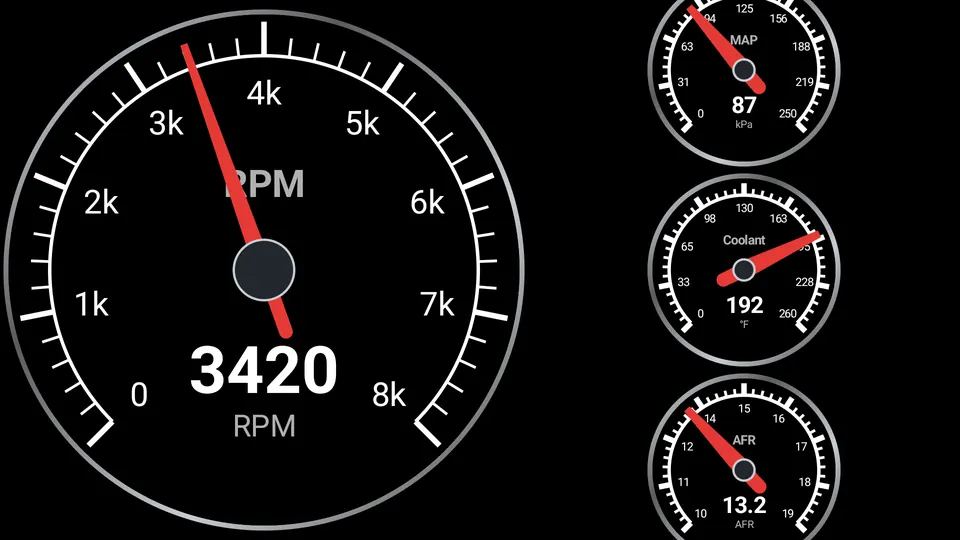
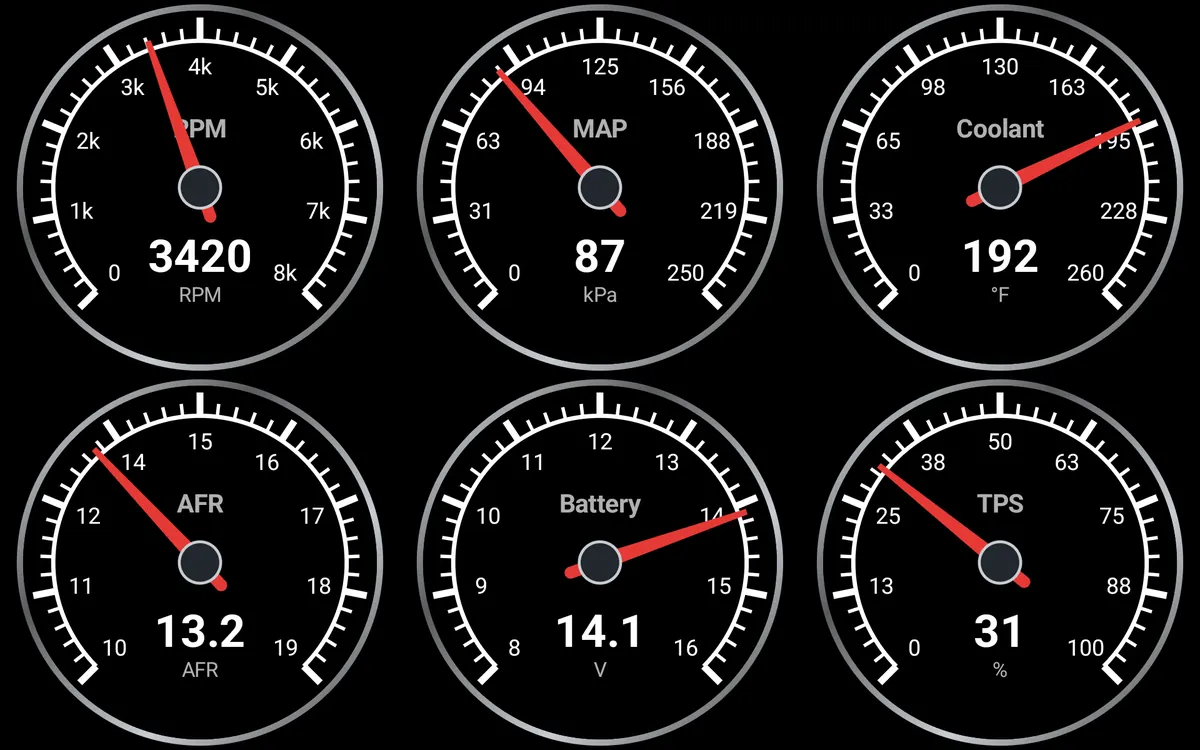
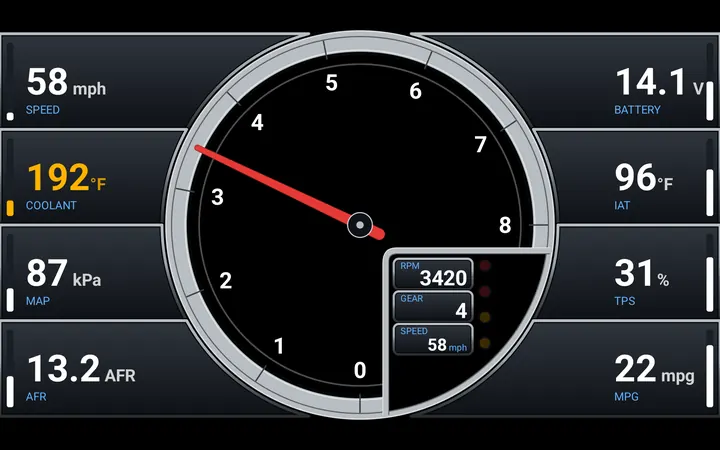
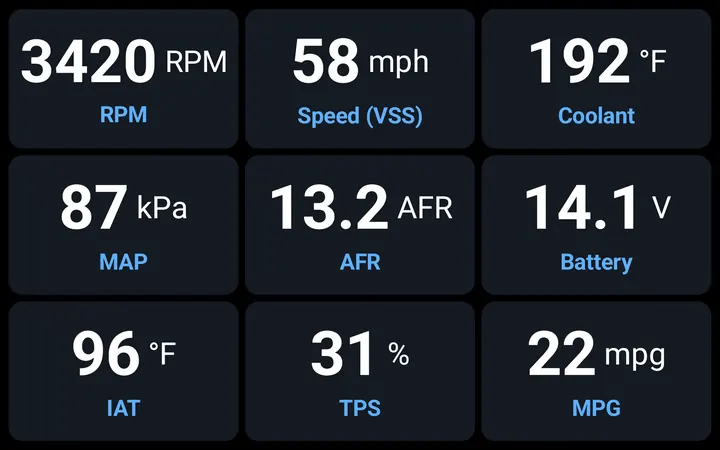
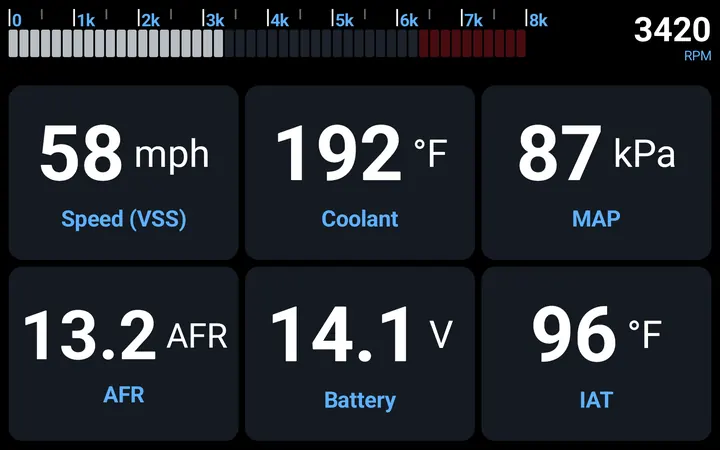
Built-in dashboards
Ready to use as soon as the app connects, from a single gauge to a grid of six. With DashForge Pro you can load your own from Dash Designer.
What you need
- Android
- Android 6.0 or newer, on a phone, a tablet or your car's own screen.
- Engine computer
- MS3/MS2/MS1 (MS3 including MS3-Pro and MS3X, MS2/Extra and MicroSquirt, MS1 and MSnS-Extra) and Speeduino. The app checks your ECU's firmware when it connects.
- Connection
- A USB port that can host devices (USB OTG; phones and tablets need an OTG adapter) with an FTDI or USB CDC serial cable, or a Classic Bluetooth serial (SPP) adapter paired in Android's settings. CH340 and CP210x adapters also work; PL2303 adapters aren't supported.
- For some features
- GPS for road speed, maps and lap timing; an internet connection for maps and DashForge Track; Wi-Fi and a second Android device for the head-up display.
Support for more ECUs, including factory OBD-II, is planned.
Free, Plus, Pro and Track
DashForge
Live gauges and warnings on the built-in dashboards, datalogging and the log viewer, ECU setup, and your settings and tables to view. Open, save and share your own tunes.
DashForge Plus
Hand tuning on a connected ECU: edit and burn your settings, 2D curves and 3D tables, calibrate the TPS, and load your own saved tunes back onto the ECU. On up to three of your devices, and you can upgrade to Pro later for the difference.
DashForge Pro
Everything in Plus, with VE auto-tune and the virtual dyno, quick-tune and output tests, offline editing and tune import, the performance meter, the lap timer on your own tracks, the HUD, your own dashboards from Dash Designer, and navigation with your own map key. On up to three of your devices. Try it free for 7 days in the app.
DashForge Track
Navigation with DashForge Maps and no key of your own, the lap timer with the shared track list, the HUD, cloud sync and share links, and a new dashboard design every month. Doesn't need Pro.
Prices and buying: DashForge Plus, DashForge Pro and DashForge Track are sold here, on our website, and you enter your code in the app.
Your data
The app has no adverts and no analytics, and needs no account. Your ECU data and logs stay on your device unless you choose to sync them with DashForge Track. The privacy policy sets out what the app keeps and sends.